
Railpack
The railpack builder builds apps via Railpack, a
buildpack alternative.
Deploying
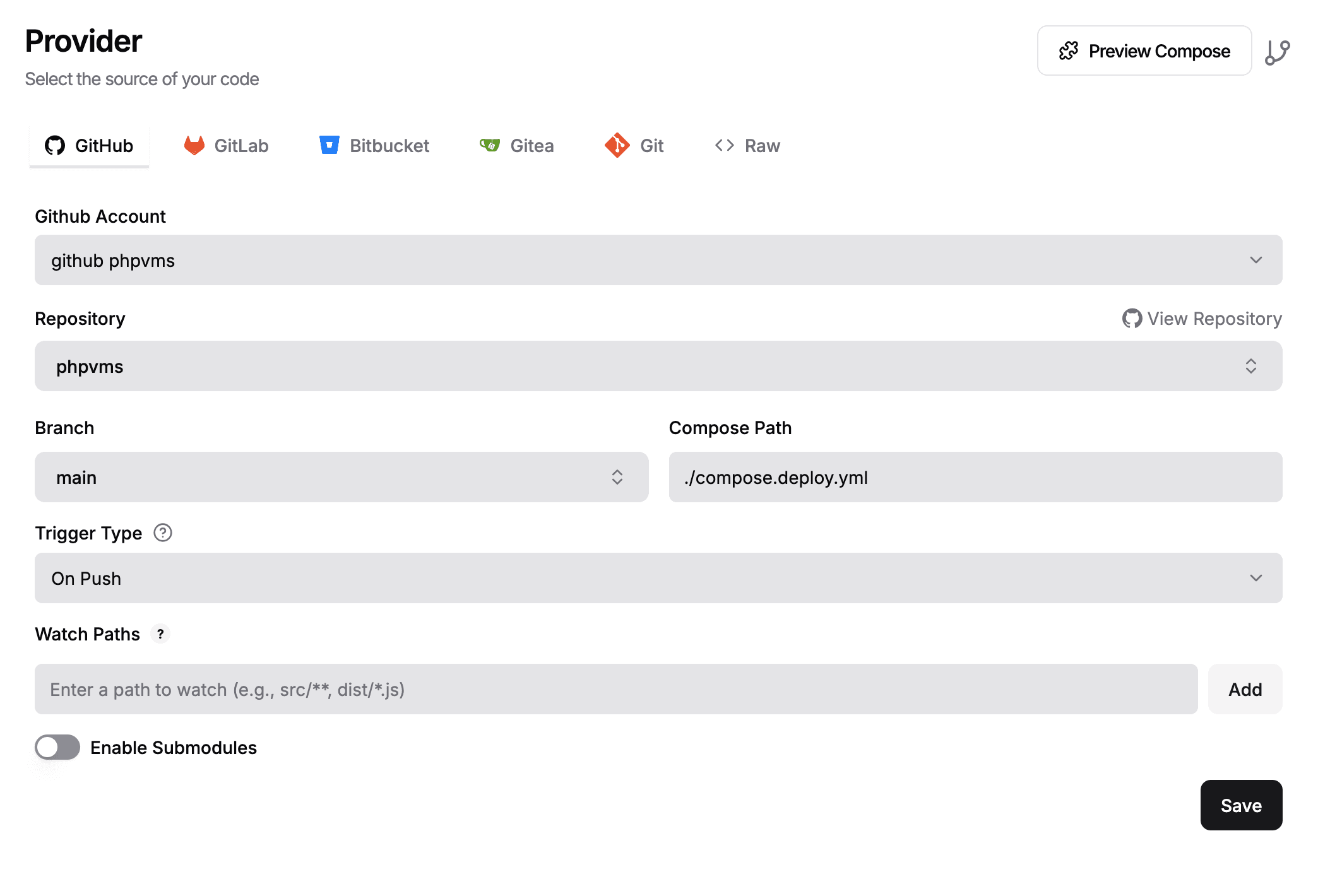
For a deployment up to a service like Railway, fly.io or Dokploy (what I use for
the demo site), you need to point it to the phpvms repository (or your fork),
and then select the railpack.json file.
You'll also need to supply a minimal .env. file. The APP_KEY below is
generated in your browser — click refresh for a new one:
APP_ENV=productionAPP_NAME=phpvms demoSITE_NAME=phpvms demoAPP_URL='https://demo.phpvms.net'# mysql or postgresDB_CONNECTION=mysqlDATABASE_URL=mariadb://user:pass@mariadb:3306/phpvms# If you're using Redis/caching. Otherwise, don't set the# things below to redis, the defaults will sufficeREDIS_URL=redis://user:pass@redis:6379CACHE_STORE=redisQUEUE_CONNECTION=redisSESSION_DRIVER=redisBROADCAST_CONNECTION=redisRUN_QUEUED_JOBS_IN_CRON=falseDokploy Example
To Use Locally
Requirements
Before using Railpacks, the following steps must be taken:
- Install the
railpackcli: Therailpackcli tool is not included by default with phpvms or as a dependency. It must also be installed as shown on this page. - Create a
buildkitbuilder: Railpack uses buildkit.
docker run --rm --privileged -d --name buildkit moby/buildkit- Set the buildkit builder: Update the
/etc/default/dokkufile to setBUILDKIT_HOST:
export BUILDKIT_HOST='docker-container://buildkit'"